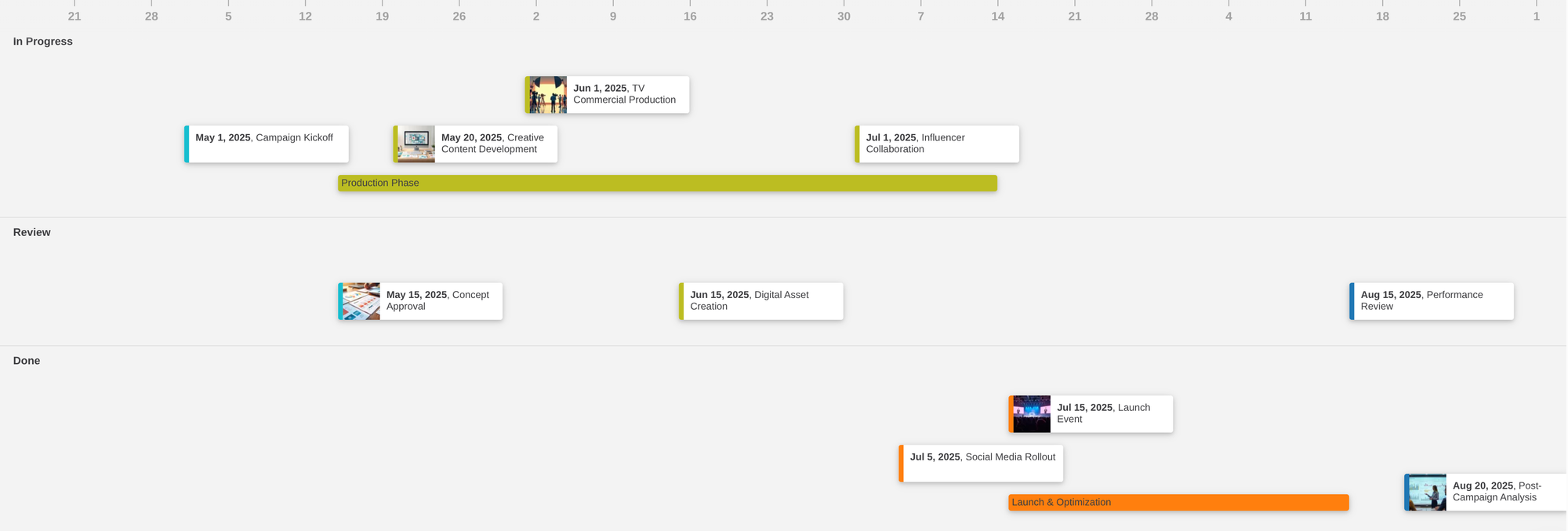
Add Structure to Your Timeline with Lanes (Group by)
Timetoast now supports timeline lanes, a simple way to group events into parallel tracks by team, phase, or category....
Read moreTimetoast is a free online timeline maker for work, school, and personal use. Plan projects, teach lessons, map life events, and share interactive timelines that are easy to follow.
Used by millions worldwide for product launches, roadmaps, lessons, biographies, and historical overviews.

Loading example...
Timetoast helps you organize the details behind a project, lesson, or story and turn them into a timeline that is easier to scan, explain, and share.

Lay out milestones, phases, and events on a clear visual timeline.
Seeing everything in chronological order makes it easier to understand sequence, overlap, and key moments at a glance.
As your project changes, you can keep adjusting the timeline without losing the overall view.

Add dates, descriptions, images, links and more. Use custom fields such as status, owner, phase, or category to keep timeline data structured in a way that fits your project, lesson, or research.

Larger timelines often include parallel tracks. Lanes and colors help you separate teams, phases, topics, or themes so patterns and relationships are easier to see.

Different tasks need different perspectives. Switch between horizontal, vertical, and grid views to review the big picture, read through events clearly, or update details quickly.

Timelines turn complex information into something easy to follow.
Share them with teammates, students, clients, or collaborators so everyone can follow the sequence of events and key milestones.
Clear timelines make it easier to explain plans, research, and stories with confidence.
Learn how Timetoast gives you custom fields and grouping to keep details organized, makes it easy to switch between multiple timeline views, supports privacy and sharing controls, helps people work together with team collaboration, or explore our timeline guides and comparisons to build better timelines from the start.
See how Timetoast supports roadmaps, projects, history, teaching, biographies, and legal chronologies.
Show priorities, releases, and overlaps in a roadmap people can follow.
Turn tasks, milestones, and deadlines into one clear shared timeline.
Place events, eras, and figures in chronological context with a clear history timeline.
Help students see sequence, comparison, and context across lessons and topics.
Turn life events into a clear narrative with milestones, patterns, and context.
Build defensible chronologies for events, evidence, participants, and deadlines.
Tips, how-to's, updates, and stories.
Timetoast now supports timeline lanes, a simple way to group events into parallel tracks by team, phase, or category....
Read more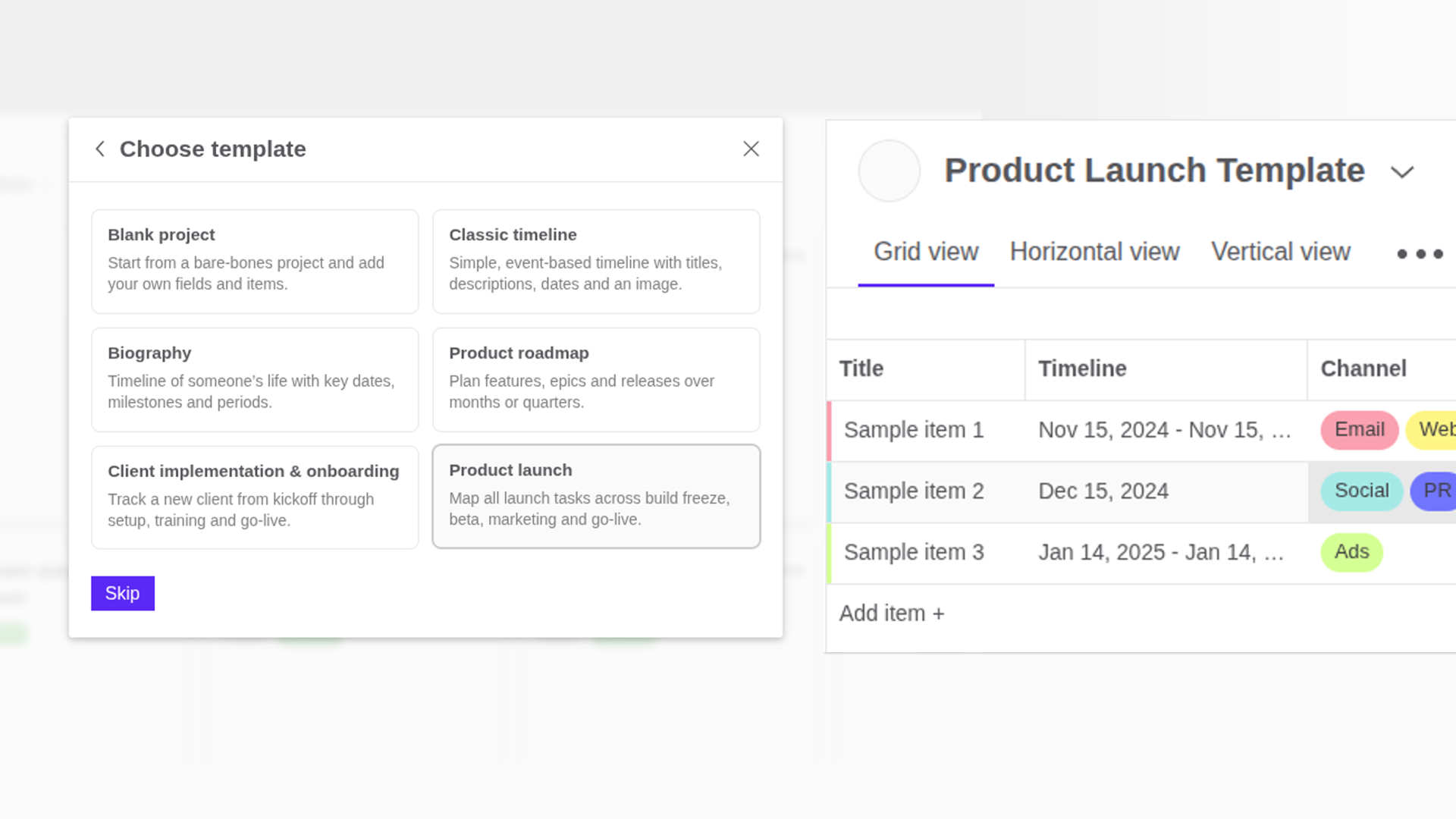
Timeline templates in Timetoast give you a ready-made starting point for product roadmaps, launches, client onboardin...
Read more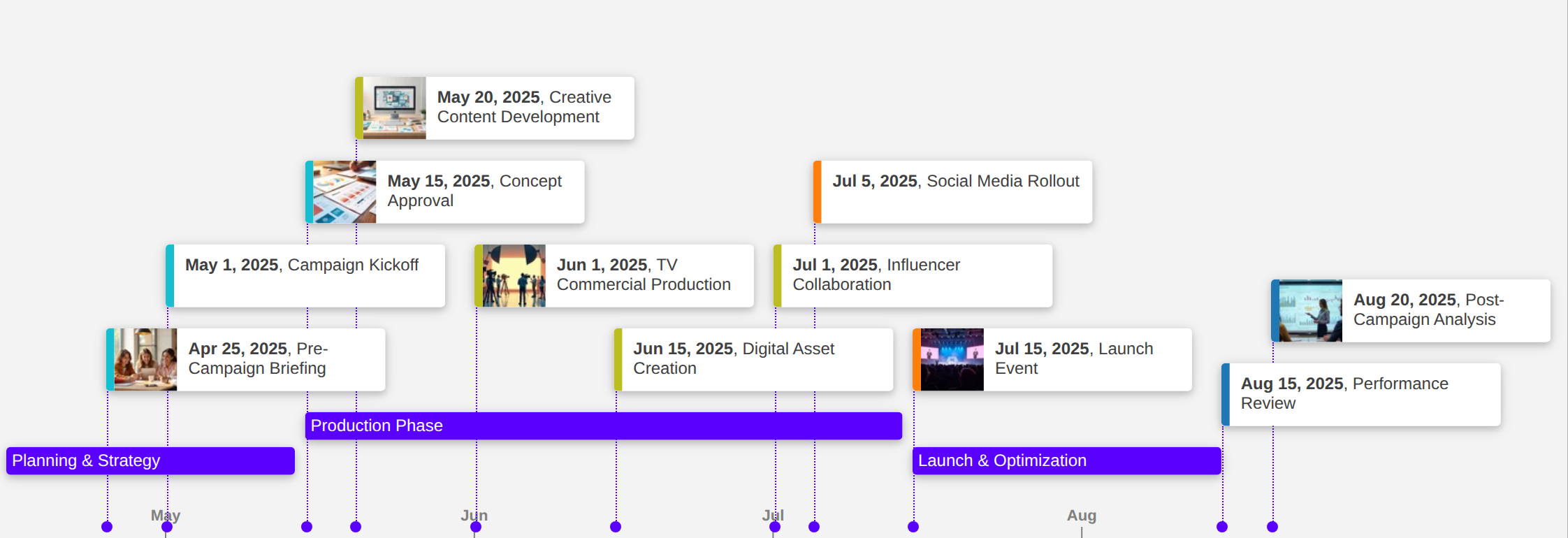
Roadmaps turn big ideas into a concrete plan. By laying steps and milestones on a clear timeline, you can see what ha...
Read moreTimetoast is an online timeline maker that helps you turn plans, projects, and stories into clear interactive timelines. It combines a flexible workspace with synced timeline views so you can organize details and present them clearly.
Timetoast is for teams and individuals who need to show how work or events unfold over time. People use it for project plans, product roadmaps, campaigns, lessons, biographies, legal timelines, and historical overviews.
Yes. Timetoast works well for project timelines, product roadmaps, launches, and other plans that need a clear visual schedule. You can map milestones, group related work, and share updates without adopting a full project management suite.
You can switch between horizontal, vertical, and grid views for the same timeline. Each view stays in sync, so you can plan, review, and update the same timeline from different perspectives. The grid is especially useful for fast filtering, sorting, and structured edits.
Yes. You can invite teammates and groups, control whether people can view, edit, or publish, and keep work private until it is ready to share more broadly.
Yes. Timetoast is also used for classroom lessons, historical timelines, biography projects, and other stories that need clear chronological context. Flexible date handling and multiple views help those timelines stay accurate and easy to read.
Your timelines are private by default. When you are ready, you can share them with selected collaborators, publish them publicly, or embed them on a website or intranet.
Timetoast combines a flexible workspace with synced timeline views, so you can manage details in one place and present them as horizontal, vertical, or grid timelines. It also supports custom fields, color coding, lane grouping, BCE dates, timespans, and flexible sharing controls, which makes it useful for a wider range of projects than most simple timeline makers.
You can start with Timetoast using the Starter plan, and paid plans add more capacity, collaboration options, and features for teams or client-facing work.