Classroom timelines that make lessons easier to follow
Use Timetoast to turn lessons, assignments, and student projects into clearer classroom timelines across history, literature, science, and more. Students can see sequence, comparison, and change over time in a format that is easier to teach, revise, and present.

Classroom timeline example: Impressionism
Loading example...
A timeline featuring major Impressionist artists, landmark works, and movements.
Help students see sequence, comparison, and context
If you are looking for an education timeline maker, the real value is helping students see how ideas, events, and processes connect over time.
Many lessons and projects start out spread across slides, handouts, and notes:
- Key dates and topics live in different documents
- It’s hard for students to see how events connect
- Updating materials for a new class or term takes time
The result: students remember isolated facts instead of understanding the bigger picture or how events relate to each other.
A classroom timeline makes connections clearer:
- Shows what happens first, next, and later in a unit
- Makes it easier to compare periods, characters, or processes
- Gives students a visual reference they can return to when researching a person, topic, or era
With Timetoast, you can prepare content once in a grid and see it instantly across multiple timeline views.

Build one timeline you can teach from
Use the grid view when you’re designing or updating a course:
- Add lesson topics, reading assignments, student projects, and key dates in seconds
- Use custom fields for subject, class or group, assessment type, and status
- Sort by week, topic, or class to check coverage and workload
Update the plan once, then use the same material in prep, class, and revision.

Make lessons easier to explain and revisit
Switch to a timeline view when you’re explaining a sequence or reviewing before a test:
- A horizontal timeline is ideal for showing long periods or story arcs
- A vertical timeline works well on classroom screens and student devices
That means you can prepare in the grid and teach from the timeline without maintaining separate materials.

Keep mixed topics and classes easy to scan
Classroom timelines can quickly fill up. Timetoast helps you keep them readable:
- Filter by class or group when you teach multiple sections
- Filter by subject or theme to focus on a particular strand
- Color-code items by topic, assessment type, or difficulty
You can adjust filters and colors depending on whether you’re planning, teaching, or revising.
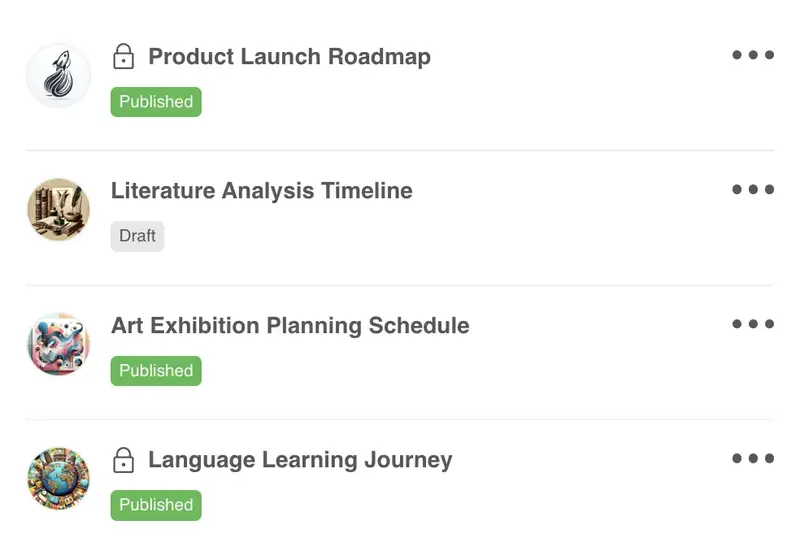
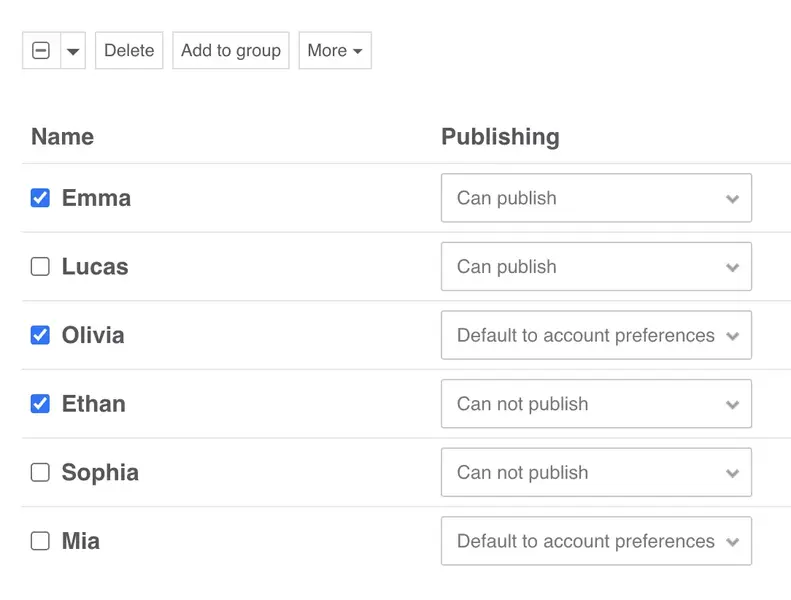
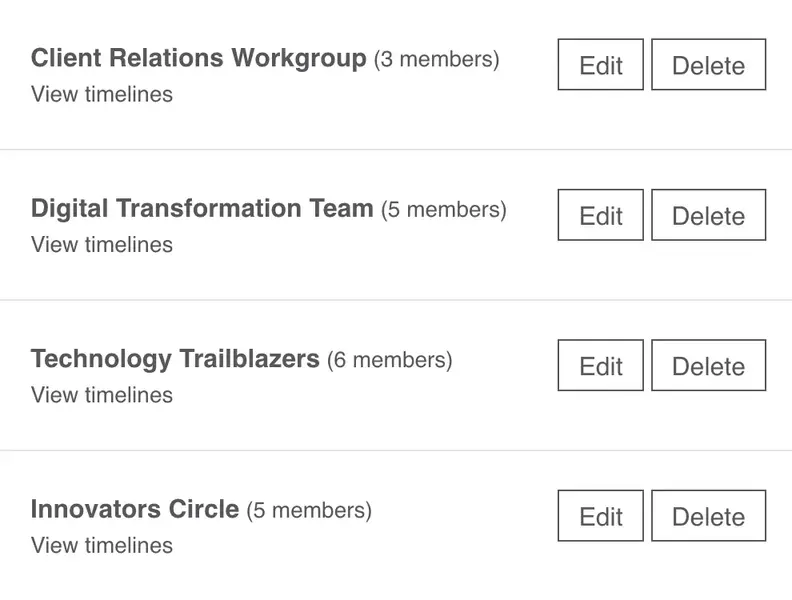
Useful for class planning, teaching, and revision
Use Timetoast for unit planning, student projects, and program overviews. It helps teachers and learners work from the same sequence without adding another complicated teaching tool.
- Invite colleagues or classes with clear view and edit rights
- A shared workspace so staff and students see the same timelines
- Keep timelines private, share them with a class, or publish more widely
- Embed views inside learning platforms, or your own websites
A reusable setup for classroom timelines
Here’s a simple structure you can use as a starting point. You can set this up yourself or start from a template in Timetoast.
-
Fields that match how you teach
A typical classroom timeline might include fields like:
- Item – the lesson, activity, or key event
- Date or period – when you plan to cover it
- Subject – History, English, Science, etc.
- Class or group – 7A, 10B, Year 3, Seminar group
- Type – Lesson, homework, quiz, project, exam
- Status – Planned, In progress, Done
- Notes – extra context, resources, and links
You can rename or add fields to match your own curriculum language and assessment style.
-
Views for planning, teaching, and revision
Over time you’ll probably use different views for different purposes:
-
Planning view (grid)
All items for a course or term. Sorted by week or unit. Used when you’re designing or updating lessons. -
Classroom view (horizontal timeline)
The key events you want on screen during lessons or revision. -
Full view (vertical timeline)
Filtered to a single class or topic so students see what matters to them.
You can switch between these views in a couple of clicks, without rebuilding your materials.
-
Planning view (grid)
-
How it fits into a teaching week
In a normal week you might:
- Update the grid after lessons to adjust pacing or add notes.
- Review the timeline before class to highlight what’s coming next.
- Share a view with students or colleagues for homework or revision.
Your plan stays current because you’re editing one project instead of juggling multiple documents.
Where education timelines fit best
Education timelines work well when teachers, students, and departments need one shared sequence for learning and planning.
-
Teachers and lecturers
- Map out units, lessons, and assessments in one place
- Show timelines in class to explain sequences and expectations
- Reuse and adapt the same project across terms or groups
-
Students
- Turn research projects and readings, like timelines about historical figures, into clear visual stories
- Use timelines for revision before exams and presentations
- Collaborate on group projects with a shared visual plan
-
Departments and coordinators
- Create program-level timelines for terms or school years
- Share high-level views with school leadership and families
- Keep curriculum timelines consistent across classes and years
Why timelines work in the classroom
Timetoast helps educators and students:
- Turn topics, stories, and processes into clear visual timelines
- Help students see sequence, comparison, and context more quickly
- Keep plans, resources, and dates in one organized project
- Update lessons and assignments without rebuilding slides or handouts
- Reuse and adapt timelines across classes, units, and school years
Templates that work well for lessons and assignments
You can create a classroom timeline from scratch or start with a template that already suits common teaching formats.
-
Useful classroom starting points:
-
Biography timeline
Follow a historical or literary figure’s life across key events. -
Classic timeline
Title, description, and categories – a simple structure for many subjects. -
Project Management
Events and milestones with different dates, deadlines, phases, statuses, and owners. -
Blank project
Start with a clean slate and add only the fields and views you need.
-
Biography timeline
-
What teachers and students get right away:
- Helpful default fields that you can adapt for your class
- Sample items you can edit or remove
- The grid view and horizontal/vertical timeline views ready to use from day one
Timelines for different use cases
See how Timetoast supports roadmaps, projects, history, teaching, biographies, and legal chronologies.
Roadmapping
Show priorities, releases, and overlaps in a roadmap people can follow.
Project Management
Turn tasks, milestones, and deadlines into one clear shared timeline.
History
Place events, eras, and figures in chronological context with a clear history timeline.
Biographies
Turn life events into a clear narrative with milestones, patterns, and context.
Legal Cases
Build defensible chronologies for events, evidence, participants, and deadlines.